
What Is the Most Hacked Phone Brand? Android vs iPhone Security
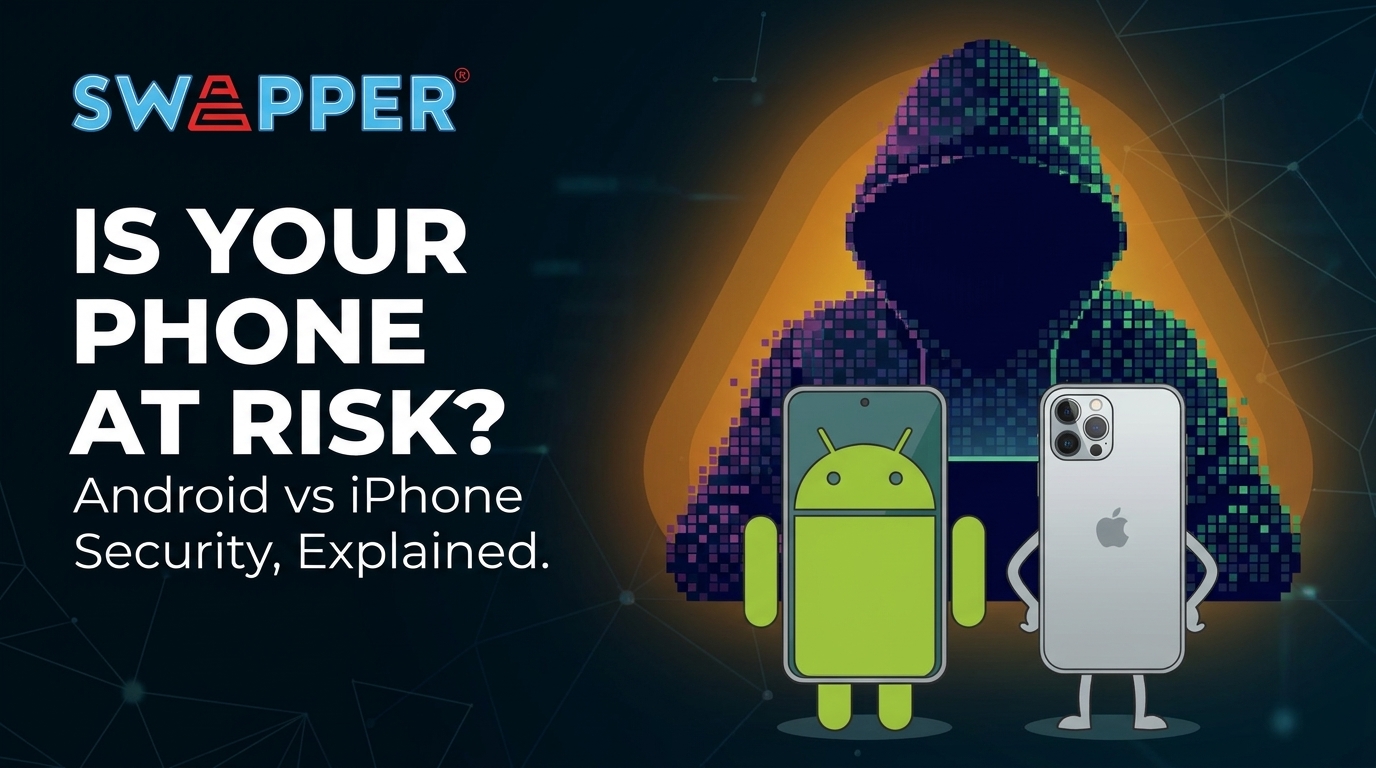
If you have ever wondered what is the most hacked phone brand, the answer is more complicated than simply naming Samsung, Apple, Xiaomi, or another manufacturer.
There is no reliable global ranking that proves one specific phone brand is hacked more than every other brand. Cybercriminals target operating systems, apps, outdated software, and user behaviour rather than simply choosing a logo on the back of a phone.
However, there is an important difference between the security risks faced by Android and iPhone users. Understanding this difference can help you make better decisions about Android phone security and protect your personal information.
Is Android or iPhone More Likely to Be Hacked?
When discussing Android phone security, it is important to separate the Android operating system from individual brands.
Android is used by many manufacturers, including Samsung, Xiaomi, OPPO, vivo, HONOR and Google. This creates a much larger and more diverse ecosystem. Different manufacturers can have different update schedules, security features and pre-installed software.
Android also gives users more flexibility when installing applications, including the ability to install apps from outside Google Play. That flexibility can increase security risks if users download applications from unreliable sources.
Google Play Protect provides an important layer of Android security. It checks apps for potentially harmful behaviour and can scan applications installed from outside Google Play. Google also allows users to manually run a security scan on their device.
Why Android Phones Can Face More Malware Threats
One reason Android phones can appear more frequently in discussions about phone hacking is the size and openness of the ecosystem.
Android allows applications to come from different sources. While this provides users with greater flexibility, downloading an APK from an unknown website can expose a device to malware, spyware or other potentially harmful applications.
Google's Play Protect regularly scans Android devices and applications for potentially harmful apps. It can warn users, disable harmful applications and, in some cases, remove them automatically.
This does not mean Android phones are inherently unsafe. In fact, modern Android devices have multiple built-in security protections. The bigger issue is that the level of protection can vary depending on the phone model, software version, manufacturer and how the user installs applications.
What About iPhone Security?
Apple's approach to iPhone security is generally more controlled. Apple's ecosystem places greater restrictions on applications and system access, which can reduce certain types of malware exposure. To understand these structural differences in more depth, see this comparison of the Android vs iPhone ecosystem.
That does not mean iPhones cannot be hacked.
Security researchers regularly discover vulnerabilities affecting iOS. Apple has released security updates to address web-based attacks targeting outdated iOS versions, and Apple recommends keeping iPhones updated with the latest software.
Apple also provides Lockdown Mode for people who may face highly sophisticated and targeted cyberattacks. The feature reduces the potential attack surface by restricting certain apps, websites and device functions. Apple states that most people will never be targeted by attacks of this level.
Therefore, good Android phone security and iPhone security both depend partly on keeping the device updated and using safe digital habits.
How to Improve Android Phone Security
If you use an Android smartphone, there are several simple steps you can take to strengthen Android phone security.
First, keep Android and your phone manufacturer's security updates installed. Security patches can address vulnerabilities that attackers may otherwise exploit.
Second, keep Google Play Protect enabled. Google recommends keeping Play Protect turned on because it checks applications for potentially harmful behaviour.
Third, avoid downloading APK files from websites you do not trust. If you need an application, Google Play is generally a safer starting point.
You can also perform a security scan on Android through Google Play Protect to check installed applications for potential threats.
For users who want additional protection, a reputable mobile security application can provide another layer of monitoring. However, no phone antivirus scan can replace basic security habits.
So, What Is the Most Hacked Phone Brand?
There is no definitive answer that identifies one phone manufacturer as the world's "most hacked phone brand."
Instead, the bigger distinction is between different security environments. Android has a larger and more diverse ecosystem, which creates more variables around applications, manufacturers and software updates. iPhones operate within Apple's more controlled ecosystem, but they can still be targeted by sophisticated attacks and vulnerabilities.
Brands Most Often Mentioned in Security Reports
While there is no official "most hacked" ranking, these are the brands that appear most frequently in mobile threat and malware reports — largely because of their global market share and how their ecosystems handle app sourcing and updates:
- Samsung — the largest Android manufacturer globally, making it a frequent target simply due to scale
- Xiaomi — large user base with varying regional update schedules
- OPPO and vivo — feature-heavy Android skins with extra apps that can widen the attack surface
- Huawei — regional app-sourcing habits can increase exposure in certain markets
- Google Pixel — smaller market share but still referenced in threat reports
- Apple (iPhone) — a more closed ecosystem, but still targeted by sophisticated, high-value attacks
Therefore, buying a particular brand does not automatically make you safe from phone hacking.
The better question is: How secure is the phone you are using, and how are you using it?
Keeping your software updated, avoiding suspicious applications and links, using strong authentication and regularly checking your device can significantly improve your Android phone security or iPhone security. For further reading on mobile threat trends, see this external resource.
Ultimately, the most secure smartphone is not necessarily the one with the fewest reported attacks. It is the device that receives reliable security updates and is used with sensible security practices.