
Don’t Trade In Your Phone Before This Backup & Security Checklist
Don’t Trade In Your Phone Before This Backup & Security Checklist
Why Preparing Your Phone Matters
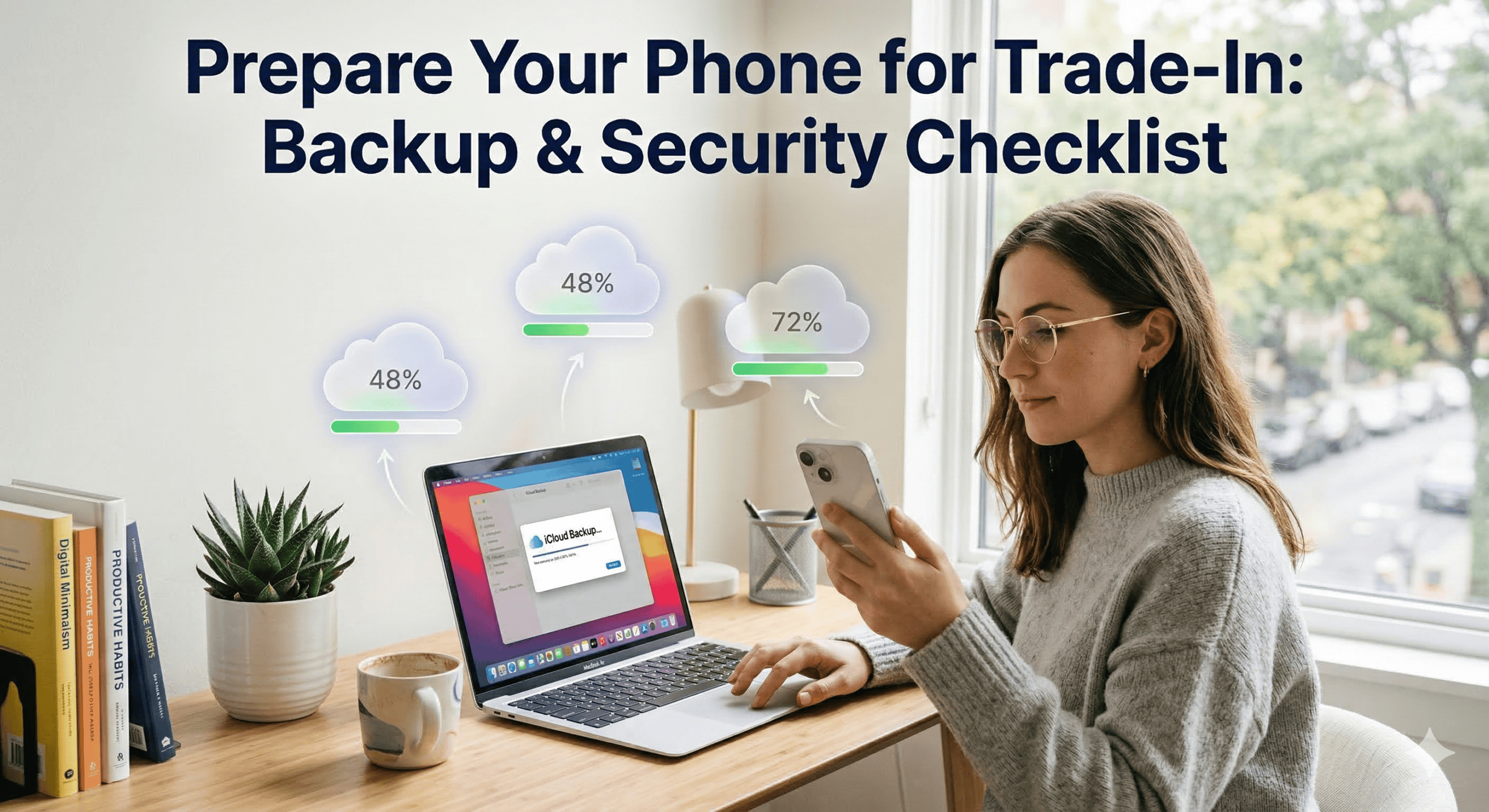
Trading in your phone is exciting, but before handing over your device, you need to protect your data. Failing to backup or remove personal information could cause loss of important files or privacy issues. This guide will show you how to backup your device, sign out of accounts, and safely prepare your phone for trade-in.
Step 1: Backup Your Device
iphone backup
Use iCloud backup or iTunes to save all your data. Make sure to include WhatsApp backup iPhone if you use messaging apps.
Android backup
Use cloud backup Android options or backup in Google Drive to save contacts, photos, and apps.
Step 2: Sign Out of Accounts
If you're using an iPhone, you need to sign out of your Apple ID before trading in your device. This prevents Activation Lock and ensures your data is no longer linked to the phone.
- Go to Settings
- Tap your name at the top
- Scroll down and tap Sign Out
Enter your Apple ID password to confirm
If you're using a Samsung device, don’t forget to sign out from apps like Galaxy Store and remove your Samsung account. This ensures the next user won’t face any access restrictions.
For Android devices, removing your Google account is crucial to avoid Factory Reset Protection (FRP), which can lock the device after reset.
- Go to Settings
- Tap Accounts or Users & Accounts
- Select your Google account
- Tap Remove Account
Step 3: Unpair Accessories
Before trading in your phone, make sure to unpair any connected accessories. This is especially important if you are using an Apple Watch, as it must be disconnected properly to pair with a new iPhone later.
How to unpair Apple Watch:
- Keep your Apple Watch close to your iPhone
- Open the Watch app on your iPhone
- Tap All Watches at the top
- Select your watch, then tap Unpair Apple Watch
- Enter your Apple ID password to confirm
Step 4: Erase All Content & Settings
After completing your backups and signing out of accounts, the next step is to perform a factory reset. This ensures all personal information is removed and your device is ready for trade-in.
For iPhone:
- Go to Settings → General
- Scroll down and tap Erase All Content and Settings
- Confirm your Apple ID password to erase the device
For Android:
- Go to Settings → System
- Tap Reset options
- Select Erase all data (factory reset) and confirm
Step 5: Final Checks
- Ensure all SIM cards or memory cards are removed from your device.
- Verify that backups were successful by checking iCloud, Google Drive, or other cloud apps.
- Double-check your device’s trade-in eligibility on your provider’s website.
- For additional protection, review Essential Steps to Rescue a Water Damaged Phone if your device had water exposure.
Conclusion
Backing up and preparing your phone ensures a smooth trade-in process and protects your personal data. By following this checklist, you can trade in your old device safely and confidently.