
Hidden Android Features That Make Your Phone More Powerful
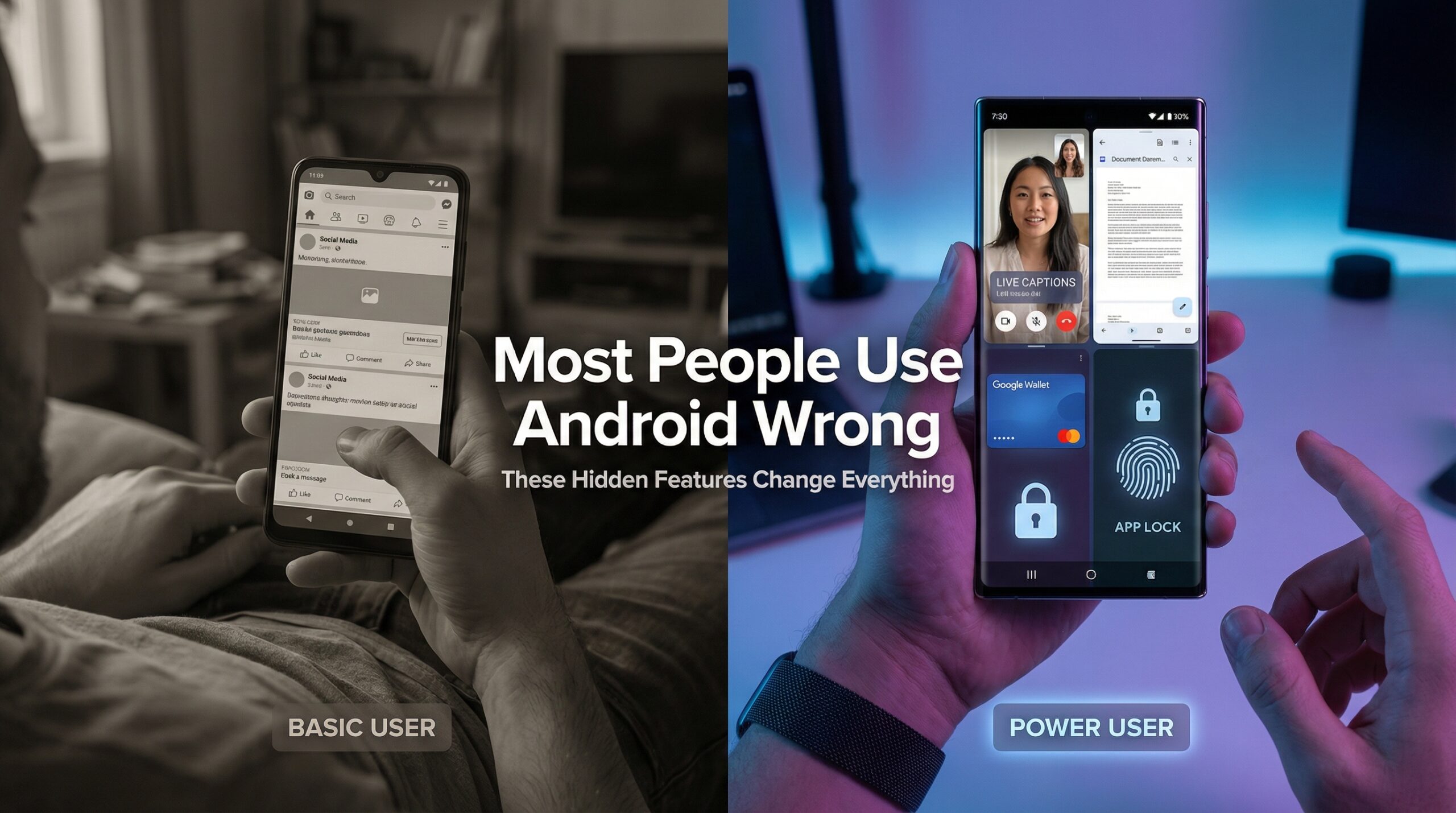
Most Android users assume their phones are already working at full potential. That assumption is wrong. In reality, Android ships with dozens of hidden Android features designed to improve productivity, accessibility, security, and even parenting control — yet most people never turn them on.
These features are not experimental. They are built into Android, quietly waiting to be activated. Let’s uncover the most useful ones you’re probably ignoring.
1. Live Caption: Real-Time AI Subtitles on Your Phone
Live Caption is one of the most powerful hidden Android features ever added. It automatically creates subtitles for any video, podcast, or voice message playing on your phone — even offline.
Unlike third-party transcription apps, this feature runs locally using Android's on-device AI, meaning your audio never leaves your phone.
2. Split Screen Android: Multitasking Like a Pro
One of the most practical hidden Android features is split screen mode. It allows two apps to run side-by-side. You can reply to WhatsApp while reading an email or watch YouTube while taking notes.
Most users think phones can't multitask properly. That belief is outdated.
3. Hidden Android App Controls: Lock, Hide & Clone
Many Android brands allow you to hide apps, lock them with fingerprint or face ID, and even create duplicate apps — all without downloading anything.
This means you can hide WhatsApp chats, secure banking apps, or run two social accounts on one phone.
This is a privacy feature most people wrongly assume requires third-party apps.
4. Android Auto, Google Wallet & NFC Phones
Android Auto (often called Android CarPlay) connects your phone to your car for navigation, calls, and music. Meanwhile, Google Wallet turns NFC-supported phones into digital wallets for payments, transit, and even car keys.
These are hidden Android features because users assume they need extra apps or hardware.
5. Parental Controls & Google Find My Device
Google Family Link is one of the best built-in parental control systems on any platform. It allows parents to control screen time, approve apps, and track locations.
Meanwhile, Google Find My Device lets you locate, lock, or erase a lost phone remotely — yet most users never activate it.
Final Thoughts
These hidden Android features already exist on your device, silently waiting to be turned on. From AI-powered Live Caption to advanced privacy controls and digital wallets, Android gives you far more than most people realize.
The difference between an average user and a power user isn't the phone they buy — it's how much of Android they actually use.