
Don’t Let Your Phone Slow Down: 5 Powerful Virus Checker Tips You Need Today
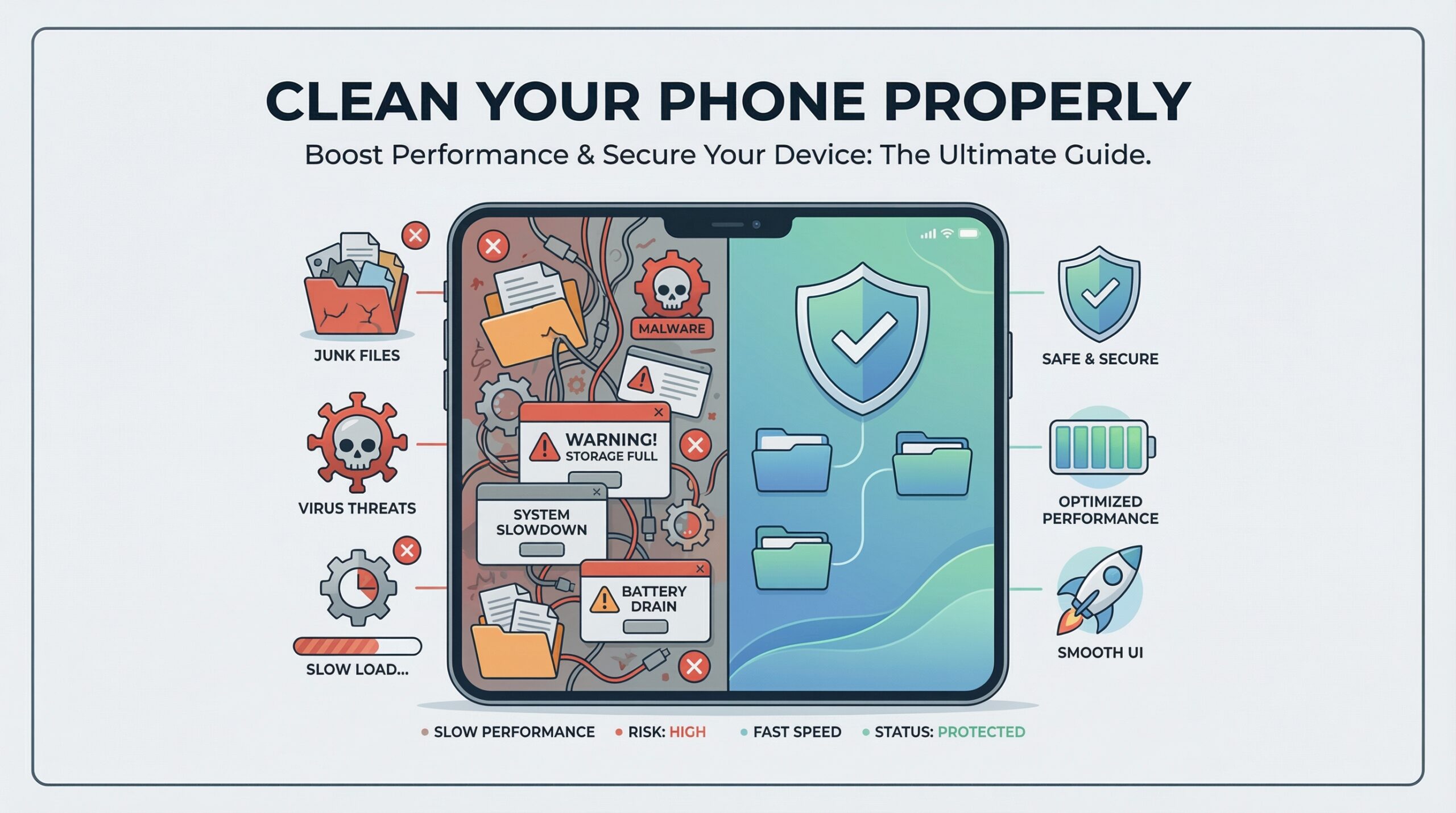
Our smartphones are powerful tools, but they’re also prone to clutter, malware, and viruses if not maintained properly. Whether you’re an iPhone user looking to clean up iPhone storage or an Android user needing a virus scan Android, understanding the right practices for phone cleaning is crucial. In this guide, we’ll cover the do’s and don’ts of keeping your phone fast, secure, and organized using the best cleaning tools available.
1. Do Regular Virus Checks
Using a reliable virus checker or malware checker ensures your phone stays safe from harmful apps or files. Android users can run a virus check Android with trusted antivirus apps, while iPhone users benefit from Apple's built-in security but can also use third-party tools for extra protection.
Consistency is key when it comes to mobile security. Set a reminder to perform a thorough virus check at least once a week, and immediately after downloading new apps or files from unfamiliar sources. For Android users specifically, running a dedicated virus check Android scan can identify threats that might bypass default security measures.
2. Don't Neglect Cache and Junk Files
Accumulated cache slows down your phone. Android users can use a cache cleaner Android or a junk cleaning app, while iPhone users can try an iPhone cache cleaner or follow steps on how to free up storage iPhone.
Recommended Cleaning Apps
For Android Users
1- Clean Master - Popular cache cleaner with virus removal features
2- Avast Cleanup - Combines cleaning with antivirus protection
3- Power Clean - Lightweight junk cleaning app
4- Samsung Device Care - Built-in for Samsung devices
For iPhone Users
- 1- Phone Cleaner - Safe cleaning for iOS devices
- 2- Cleanup - Storage Manager - Focuses on storage optimization
- 3- Battery Drain & Storage - Cleans cache to improve battery life
- 4- Built-in iPhone Storage Management - Settings > General > iPhone Storage
3. Do Clean Up Storage Regularly
Freeing up space isn't just about performance—it also prevents malware from exploiting storage vulnerabilities. On iPhone, learn how to free up storage space on iPhone, while Android users should run periodic android cleaner scans.
4. Don't Ignore App Permissions
Apps can accumulate unwanted permissions over time. Even after using a virus cleaner, apps with unnecessary access can cause security issues. Review your permissions and disable what's unnecessary.
Critical App Permissions to Review
Microphone Access
Why does a calculator app need microphone access? Only grant this to voice recording, call, or assistant apps that genuinely need it.
Camera Permission
Camera access should be limited to photography, video calling, and scanning apps. Social media apps may request this but consider if they truly need it.
Location Tracking
The most commonly over-requested permission. Only navigation, weather, and local service apps should have constant access to your location.
File & Media Access
File managers, gallery, and document editors need this, but many apps request full storage access unnecessarily. Use "Allow only while using the app" when possible.
5. Don't Download Untrusted Apps
Apps outside official stores are a common source of malware. Avoid sketchy APKs or apps advertised through pop-ups, even if they claim to be a download clean master alternative.
Even with a reliable virus checker, preventing malware is always better than removing it. Official app stores provide the first line of defense with their screening processes. When combined with regular virus scans, sticking to trusted sources creates a strong security foundation for your device.
Conclusion
A clean phone is a fast and secure phone. By following these virus checker tips—performing regular scans, clearing cache, managing app permissions, and maintaining physical cleanliness—you can protect your data and enjoy peak performance.
Maintaining phone security is an ongoing process that combines technology with smart practices. A reliable virus checker provides essential protection, but your awareness and habits complete the security picture. Stay vigilant, keep your device updated, and enjoy the peace of mind that comes with a secure smartphone.